Here’s a great little tip for those of you who use your Youtube channel to market your business or even just for personal stuff
You may have noticed that as soon as your Videos have finished playing, Youtube then displays a whole range of random videos
These could be videos you have recently watched or liked (which might not be everyone’s cup of tea)
Or from related channels - which may well be your competitors
Youtube calls these “related videos” and used to give you the option to stop them
All that changed in September last year when this option was removed.
But there are a couple of things you can do to turn this in your favour and make sure that those related videos are actually YOURS
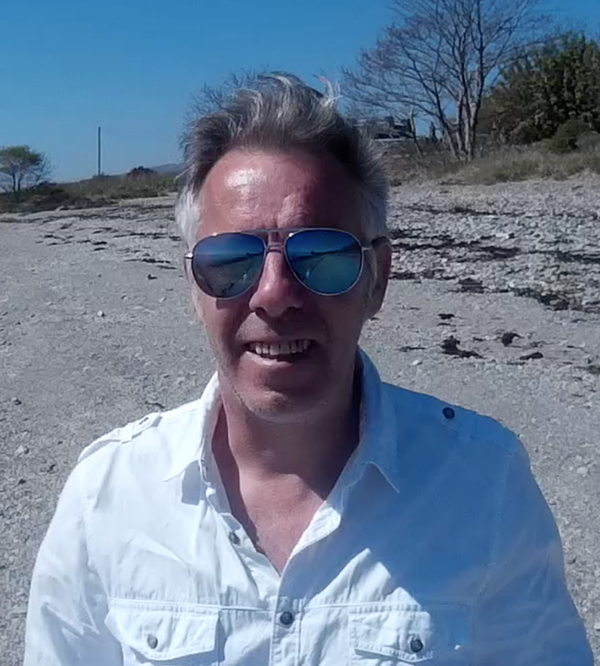
I walk you through them in this short video
Hope you find this useful/profitable
Dave